Lethal Company CIDP Modding guide
Too many people want to play Lethal Company in CIDP, so we use mods to increase the player limit. Here's how to mod your copy of the game to play with us.
STEAM DECK (CLICK ME!)
If you're using linux or a steam deck, click these purple bubbles when you see them. They give corrections/differences in the install process not included in the windows instructions. Read any purple bubbles below a step before you do the step.
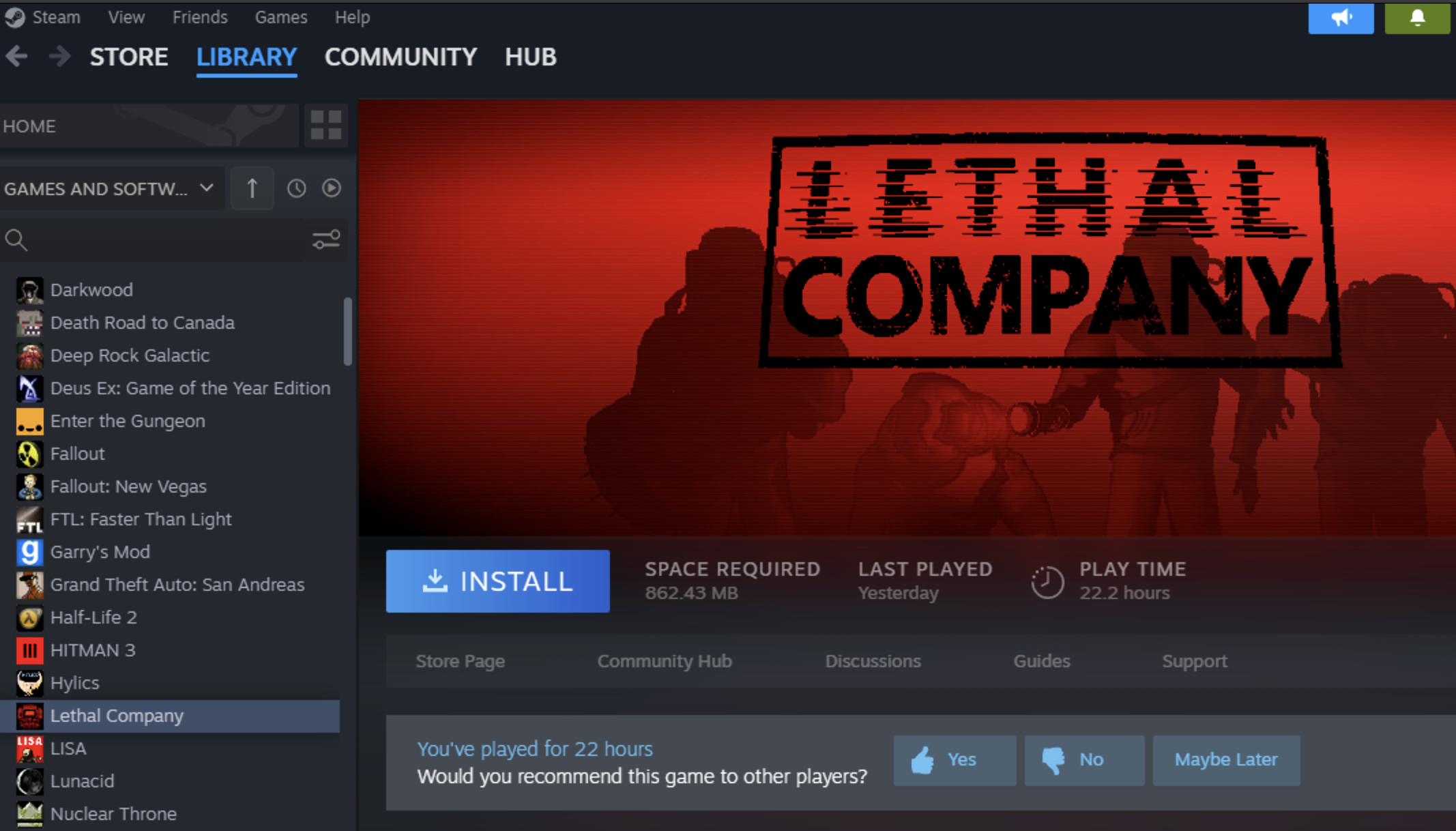
Step 1: Install Lethal Company
Step 2: Install R2 Mod Manager
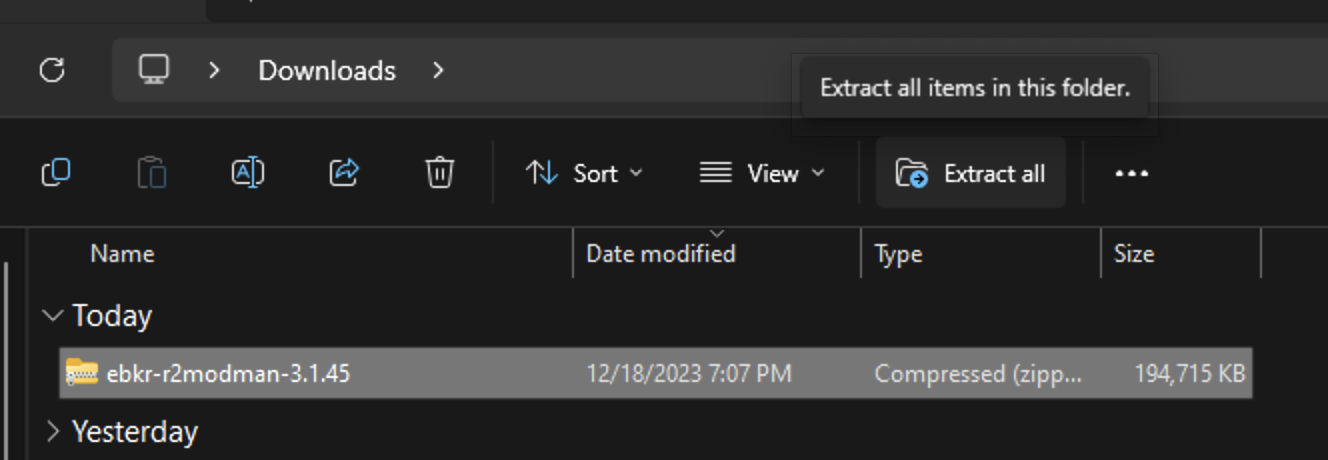
Click this link to download R2modman, a mod manager that has built-in mod browsing, and can easily sync up to our modlist. Extract it wherever.

Inside the folder, double click "r2modman Setup 3.1.4.5", the one with the blue icon to its left. The installer will walk you through the installation. At the end of the installation the mod manager should run.
Step 2 Differences for Steam Deck!
On the Steam Deck, the above steps must be done in desktop mode with a few differences. After you extract the .zip with Ark, you want to double click "r2modman-3.1.4.5.Appimage" to run it. This file won't install the mod manager; It *is* the mod manager. Maybe tuck it away somewhere safe on your desktop, because every time you want to run r2 mod manager, you'll have to navigate to this file.
Step 3: Choose Lethal Company in R2
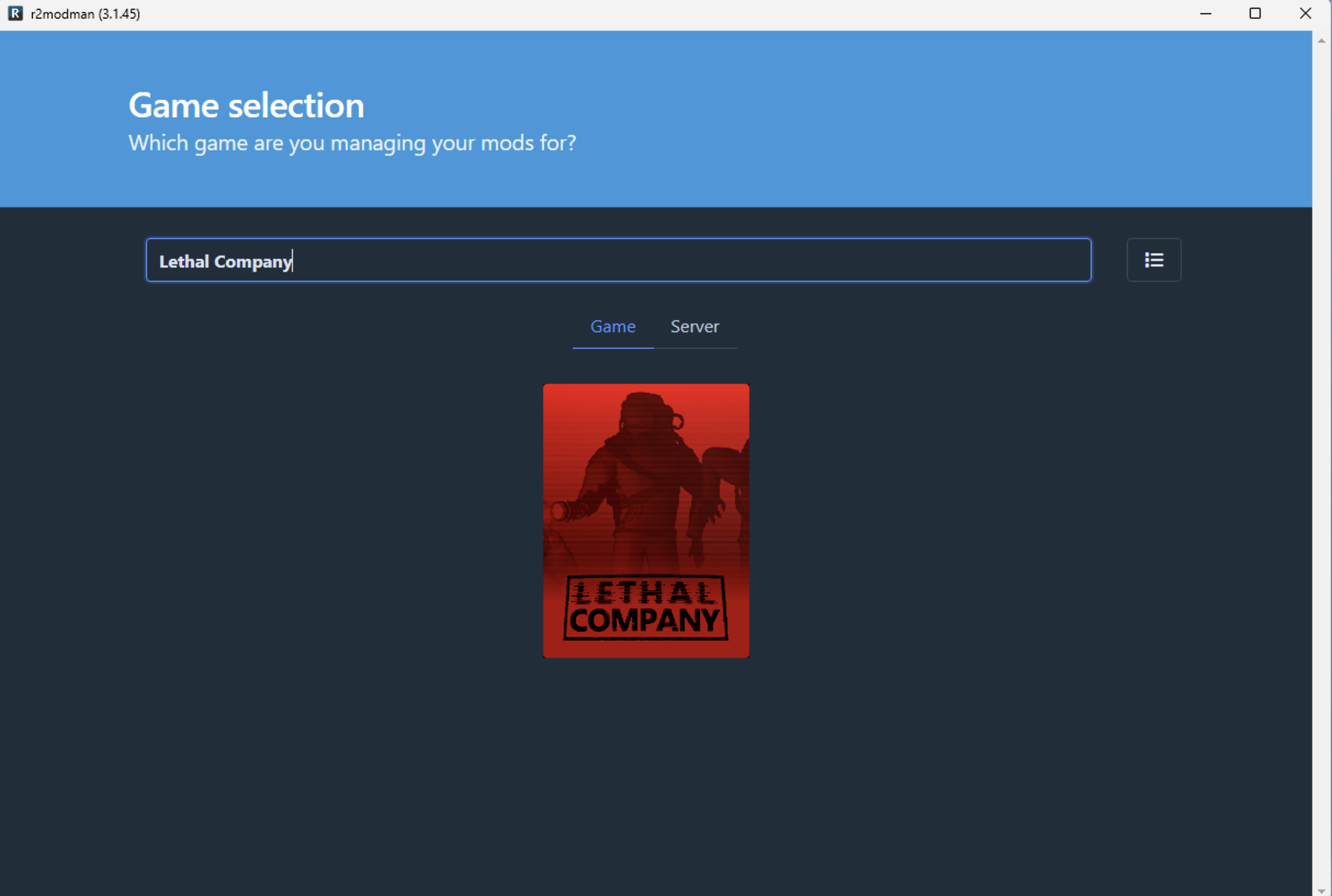
You'll be prompted to find the game you want to mod. Search "Lethal Company" until you see it and then select it. Choose Select Game.
Step 4: Upload our profile
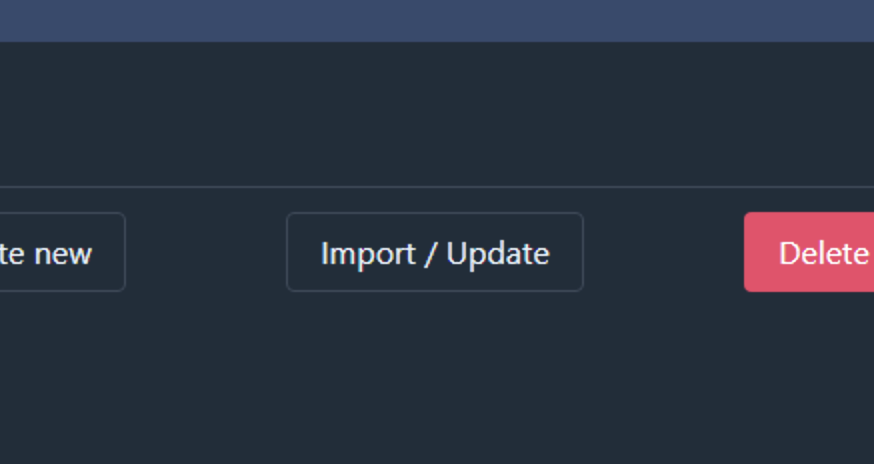
Now the manager will ask for a profile. Click "Import/Update", and then choose to "Import New Profile", and then select "From File".
CIDP's Profile File can be downloaded here:
Link to CIDP's Profile
Download the linked file and put it wherever you like. In r2, simply navigate to wherever you downloaded it and select it.Once it's selected, press "Create".
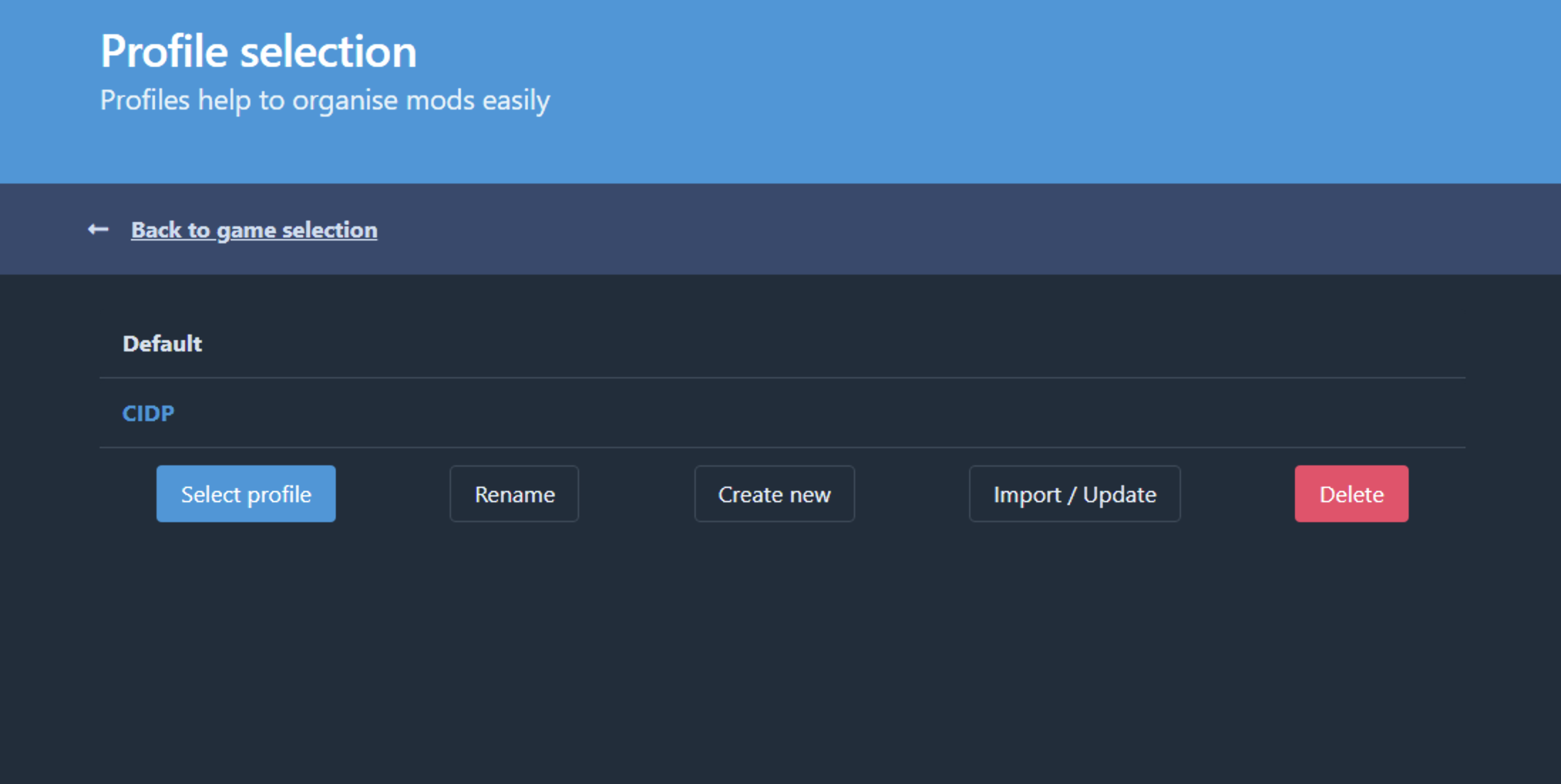
You should now see two profiles, Default and CIDP. Make sure "CIDP" is highlighted blue and press "Select Profile."
Step 5: How to Launch
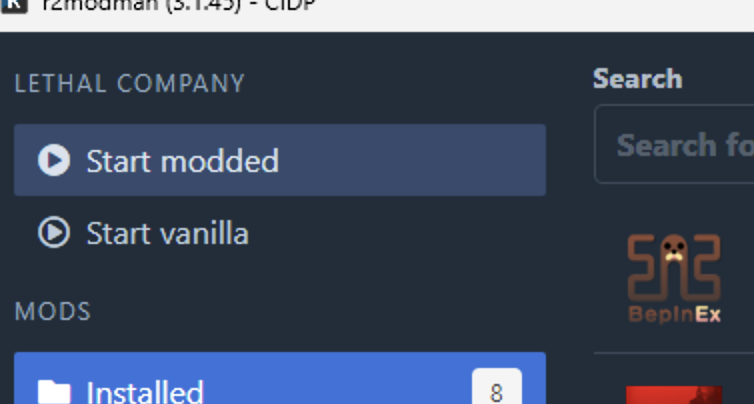
If you did everything right, you should be all set to play Lethal Company with our mods. In front of you you'll see all the mods we're using. In the top left, you can choose to run the modded game. Run it and when it gets to the main menu it should say MODDED at the bottom. This is how you should launch Lethal Company whenever we play.
Steam Deck: Unfinished Business!
Everything above was right, and you should do it on deck, but the next parts below AREN'T optional for steam deck users. We want lethal company to work in Gaming Mode, or else the onscreen keyboard won't function properly, making the ingame terminal impossible to use without an external keyboard, so steam deck users gotta go the whole 9 yards.
(Optional) Step 6: Launching from Steam
If you would rather launch the game from steam than have to go through the mod manager, you can do that too. In your steam library, right click the game and mouse down to Properties...
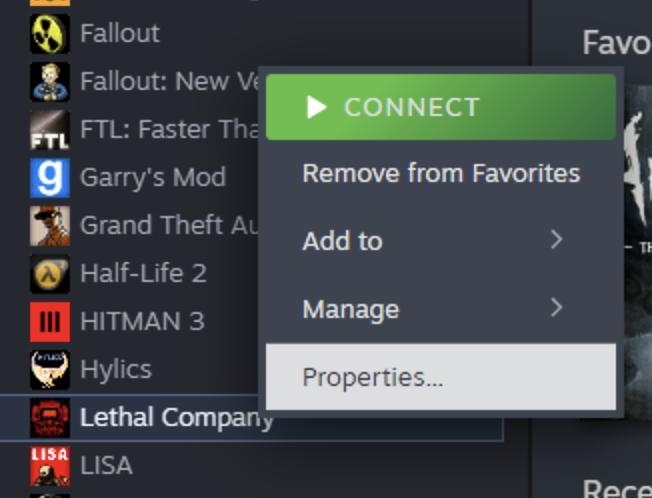
At the bottom, under LAUNCH OPTIONS paste this launch command in the text field:
--doorstop-enable true --doorstop-target "C:\Users\YOURUSERNAMEHERE\AppData\Roaming\r2modmanPlus-local\LethalCompany\profiles\CIDP\BepInEx\core\BepInEx.Preloader.dll"...with YOURUSERNAMEHERE replaced with the username for your Windows account. If you don't know what this is, you can see it in the start menu next to your little profile pic. If you STILL can't find it, r2modmanager can provide you with a personalized launch command in the Help section on the left of the lethal company mod list. Click help and scroll down a bit.
Step 6 is different for Steam Deckers!
Step 6 is also mandatory for Steam Deck, too. In desktop mode paste this in to Launch Options, no substitutions needed:
Before you go back to gaming mode, launch lethal company from steam in desktop mode to verify it works. While you're in there, go to settings and switch lethal company to windowed. Now use your mouse to resize the window until it covers the whole screen: This should make the resolution wayyy less shitty, for some reason fullscreen seems to be based on the teeny window resolution, so keep it at windowed. Now quit the game, and return to gaming mode.
Finally, we want to give ourselves mouse controls because most modded menus don't support controllers. In the preview screen for the game, press the controller button, and reassign the right trackpad behaviour to "As Mouse". Go back up to Edit Layout. On the left, go down to Trackpads, and in the trackpad menu, set R Click to Left Mouse Click in the MOUSE submenu. now, we can use the trackpad to move the mouse around and press on it to click menu items.
Try running the game.
--doorstop-enable true --doorstop-target "Z:/home/deck/.config/r2modmanPlus-local/LethalCompany/profiles/CIDP/BepInEx/core/BepInEx.Preloader.dll" -r2profile "CIDP"Before you go back to gaming mode, launch lethal company from steam in desktop mode to verify it works. While you're in there, go to settings and switch lethal company to windowed. Now use your mouse to resize the window until it covers the whole screen: This should make the resolution wayyy less shitty, for some reason fullscreen seems to be based on the teeny window resolution, so keep it at windowed. Now quit the game, and return to gaming mode.
Finally, we want to give ourselves mouse controls because most modded menus don't support controllers. In the preview screen for the game, press the controller button, and reassign the right trackpad behaviour to "As Mouse". Go back up to Edit Layout. On the left, go down to Trackpads, and in the trackpad menu, set R Click to Left Mouse Click in the MOUSE submenu. now, we can use the trackpad to move the mouse around and press on it to click menu items.
Try running the game.